
ElevenOS overview
Get to know the workspace, starting with Home and the People tools.
In this tour
- Home dashboard
- Quick actions
- People workspace
Explore the core HR and payroll workflows in eight short tours. Choose a highlight and click through the actual ElevenOS screens at your own pace.
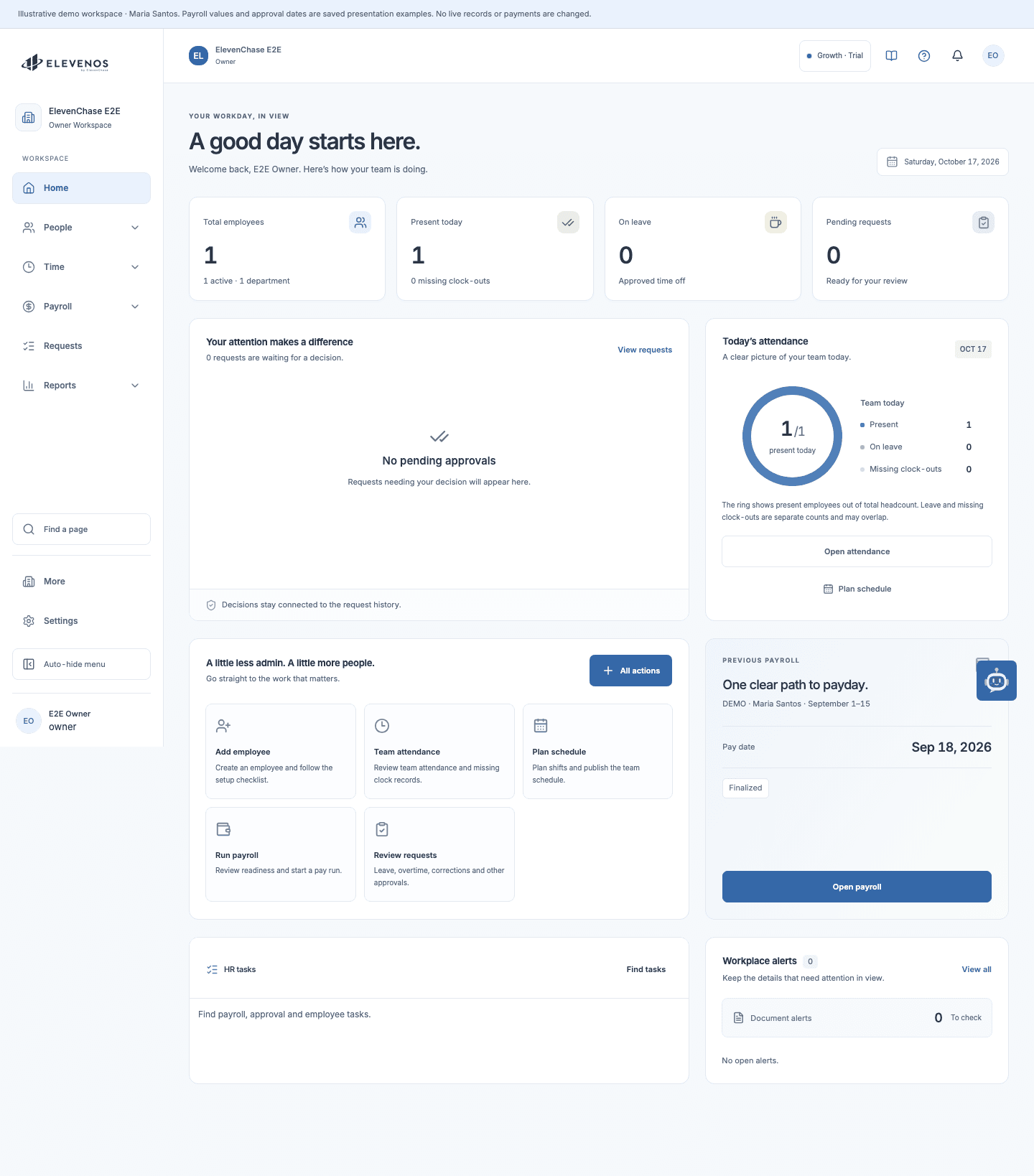
Here’s exactly what you’ll see in each tour.
Get to know the workspace, starting with Home and the People tools.
See the setup checks and employee checklist used to prepare a new hire’s workday.
Review the workday and inspect the clock events behind an attendance record.
Follow the HR review workspace, then see the employee’s leave request form.
Follow a sample cutoff from the payroll dashboard to an employee’s pay breakdown.
Compare the shared HR request inbox with the employee’s own request view.
Explore the workspaces where goals, reviews and development plans are prepared.
Find the reporting tools and explore sample workforce and payroll metrics.
Book a walkthrough focused on your team’s people, policies and payroll process.